BLUE REFLECTION Quartet First-Week Guide
Day-one verification, play order, and platform checks—Photo Mode promotions are now closed as of mid-August 2026.
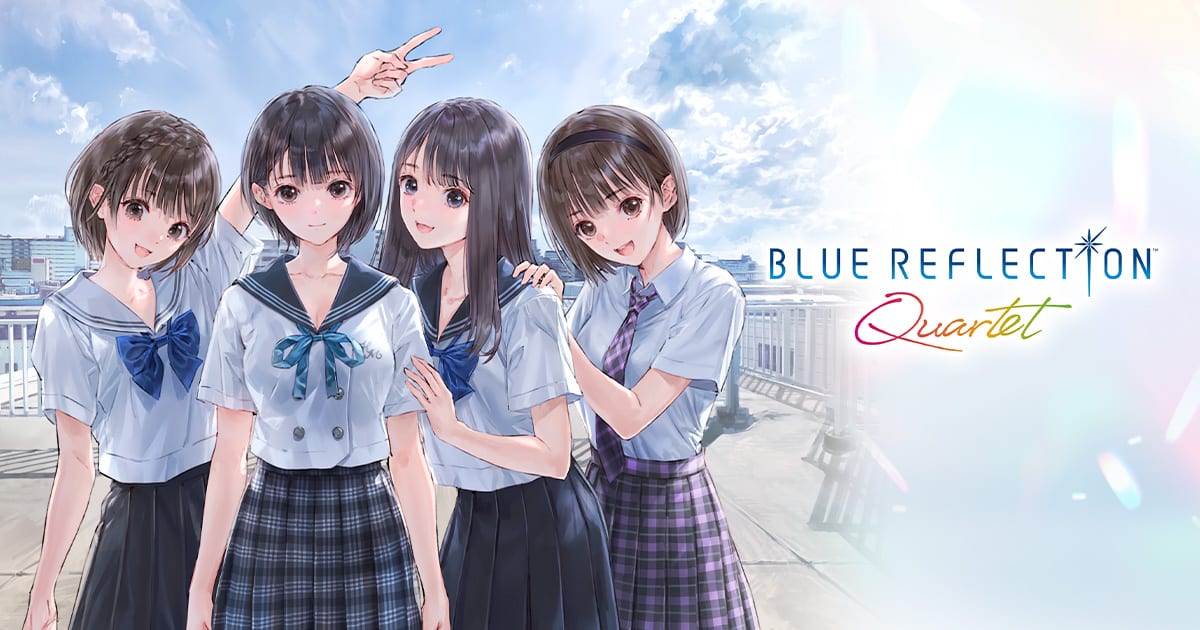
Quartet is out now — first-week priorities
BLUE REFLECTION Quartet launched July 29, 2026 on Steam (app 3825390) and July 30, 2026 on PS5, Nintendo Switch, and Nintendo Switch 2. As of August 13, 2026, all announced SKUs remain live with still no official patch beyond 1.0.0. This guide covers day-one setup habits: purchase verification, platform sanity checks, and play order planning. Photo Mode promotions are closed—see week two status. Chronology: Release news. Known launch quirks: Known issues. Review consensus: Launch impressions. Platform picks: Platform comparison.
Step 1 — Confirm your purchase unlocked correctly
| Platform | Launch date | Status (August 13) |
|---|---|---|
| Steam (app 3825390) | July 29, 2026 | Live |
| PS5 | July 30, 2026 | Live |
| Nintendo Switch | July 30, 2026 | Live |
| Nintendo Switch 2 | July 30, 2026 | Live |
Open the compilation hub and confirm four game icons plus Reference Database and Mel Kishida Gallery appear. If downloads stalled, check Updates hub for day-one patch sizes before reinstalling.
Still choosing hardware? Read Platform comparison before sinking seventy-plus hours into the wrong SKU.
Step 2 — Redeem the free Quartet Photo Mode frame (August 12 deadline)
Preorder Photo Mode frames (four Second Light frames) required purchase before July 29, 2026—that window has closed.
Still active: launch-week buyers can redeem the free limited Quartet Photo Mode frame until August 12, 2026. Do this early—redemption menus vary by platform and patch timing.
Full steps: Preorder bonuses and Photo mode.
Step 3 — Day-one verification checklist
After your first launch:
- Set text language in the shared launcher before starting BLUE REFLECTION (Languages and audio).
- Confirm two included legacy costume sets appear in wardrobe menus (Included DLC).
- Enable QoL toggles—autosave, faster movement, battle speed—on QoL features before long sessions.
- Manual save before optional bosses even with autosave enabled.
- Skim Content changes if returning from original releases—SUN uses Second Light combat, not mobile flow.
- Watch Updates hub and Known issues if frame redemption, motion blur, or download sizes differ from expectations.
Step 4 — Lock your platform (no takebacks)
If you already bought, treat platform choice as permanent:
- Switch vs Switch 2 — separate products, no save transfer. Wrong SKU? See Switch vs Switch 2 before rebuying.
- No legacy save import from standalone releases (What is not included).
- No cross-buy between Steam, PS5, and Nintendo.
Undecided buyers: Platform comparison summarizes early framerate and handheld reports.
Step 5 — Plan play order and hours
Developers recommend:
- BLUE REFLECTION (remaster)
- RAY (playable condensed anime)
- SUN (console rebuild)
- Second Light (remaster + eight crossover members)
Quartet allows any order, but newcomers should follow Recommended play order. Budget 70 to 80 hours for a thorough first clear—use Playtime planner.
Track the teased completion bonus on Completion checklist.
Step 6 — Set up Reference and Gallery early
The Reference Database and Mel Kishida Gallery (twenty new artworks) unlock from the launcher. Read How to use Reference for spoiler-safe browsing. Database progress does not transfer between Switch and Switch 2.
Step 7 — Know what you bought
Quartet is the full compilation—no individual title sales inside the package, no English dub, no Western physical disc in official NA/EU messaging. Value context: Digital-only value and Worth buying.
Step 8 — Watch the launch trailer for a final refresher
The launch trailer (YouTube ID NpWNid1yX-E, embedded above) is the last official montage before you commit hours. Compare with the June second trailer on Trailers and media if you want narrative context without spoilers.
After your first week
Append personal notes about framerate on your hardware, frame redemption quirks, and completion bonus requirements once verified in-game. Release news accumulates post-launch patches; Platform comparison updates as community benchmarks stabilize.
Frequently Asked Questions
Quick answers to the most common questions.
Is BLUE REFLECTION Quartet out now?
Yes. Steam since July 29, 2026; PS5, Switch, and Switch 2 since July 30, 2026.
Can I still get preorder Photo Mode frames?
No—the July 29, 2026 deadline passed. The free Quartet frame also expired August 12, 2026—see week two status.
How much storage does Quartet need?
Steam lists 55 GB. Consoles need similar space for four games plus Reference and Gallery assets.
Which platform should I have bought?
Buy the hardware you will keep—no Switch/Switch 2 save transfer. Compare impressions on platform comparison.
What play order should I start in week one?
BLUE REFLECTION, then RAY, SUN, and Second Light per Recommended play order.
When does the free Quartet frame expire?
No—both preorder and free Quartet frame windows are closed as of August 13, 2026.